
What Are the Best Practices for IoT Gateway Monitoring?

In my professional tenure as a digital infrastructure consultant, I have seen many IoT deployments fail at the edge. The gateway acts as the single point of failure for hundreds of downstream sensors. Without a robust monitoring strategy, a single hardware glitch can paralyze an entire industrial operation. Many teams focus solely on data throughput while ignoring the health of the bridge itself. Knowing what are the best practices for iot gateway monitoring is essential for maintaining a resilient network. This guide outlines a technical framework to move your operations from reactive repairs to proactive maintenance.
Establishing Real-Time Hardware Health Metrics
The foundation of gateway monitoring starts with the physical hardware. Gateways often operate in harsh environments where thermal stress and power fluctuations are common. You must track the internal state of the device to prevent permanent hardware damage.
Monitoring CPU and Memory Utilization
High CPU usage often indicates inefficient local processing or potential malware activity. If memory leaks occur, the gateway might reboot unexpectedly, causing data gaps. Consistently tracking CPU and RAM utilization allows you to optimize edge computing tasks and prevent system crashes.
Tracking Thermal Performance and Power Stability
Environmental heat can throttle processor speeds or lead to complete shutdown. Monitoring internal temperature sensors is vital for gateways placed in outdoor enclosures or factories. Maintaining logs of power input stability helps identify faulty wiring before it causes a hardware failure.
Implementing Network Connectivity and Throughput Audits
A gateway is only useful if it can communicate with both the cloud and the sensors. Network latency and packet loss are the primary enemies of real-time automation. You must monitor the quality of every communication path.
Analyzing Packet Loss and Signal Strength
For cellular or LoRaWAN connections, signal interference is a recurring issue. High packet loss rates often mean the gateway is struggling with local interference or poor provider coverage. Monitoring signal-to-noise ratios (SNR) helps you determine the best physical placement for your gateway hardware.
Monitoring Bandwidth Usage and Data Latency
Excessive data transmission can lead to high operational costs, especially on cellular plans. You should set thresholds for daily data quotas to catch runaway processes early. Measuring the round-trip time between the gateway and the cloud ensures your time-critical alerts remain effective.
Enhancing Security Monitoring and Access Audits
Gateways are frequent targets for cyberattacks because they bridge local networks to the internet. Security monitoring is not just about firewalls; it is about observing behavioral changes. According to NIST security frameworks, visibility into device logs is a primary defense requirement.
Auditing Access Logs and Authentication Failures
You should monitor every login attempt to the gateway interface. Repeated failed attempts often signal a brute-force attack in progress. Implementing real-time alerts for unauthorized configuration changes is a core component of secure IoT gateway monitoring.
Tracking Anomalous Traffic Patterns
If a gateway suddenly starts communicating with an unknown IP address, it may be compromised. You must monitor for outbound traffic spikes that do not align with normal data reporting cycles. Defining a baseline of “normal” traffic allows automated systems to isolate suspicious gateways before they leak sensitive information.
Diagnostic Strategies for Remote Management
In large-scale deployments, you cannot physically visit every gateway location. Remote diagnostic practices are the only way to scale your operations efficiently. You must build a system that allows for “over-the-air” troubleshooting.
Implementing Heartbeat Signals
A simple “ping” or heartbeat signal tells your management platform if the device is alive. If the heartbeat stops, the monitoring system should trigger a prioritized alert. Using heartbeat monitoring ensures that “silent failures” do not go unnoticed for days or weeks.
Utilizing Remote Log Aggregation
When a gateway malfunctions, you need the system logs to understand why. Sending logs to a centralized server allows for historical analysis and pattern recognition. Aggregated logs help engineers identify if a firmware bug is affecting multiple devices across different sites.
Selecting High-Performance Hardware for Better Monitoring
Knowing what are the best practices for iot gateway monitoring is only half the battle. You need hardware that supports advanced telemetry and distributed management. Standard gateways often lack the internal diagnostic tools required for professional-grade visibility.
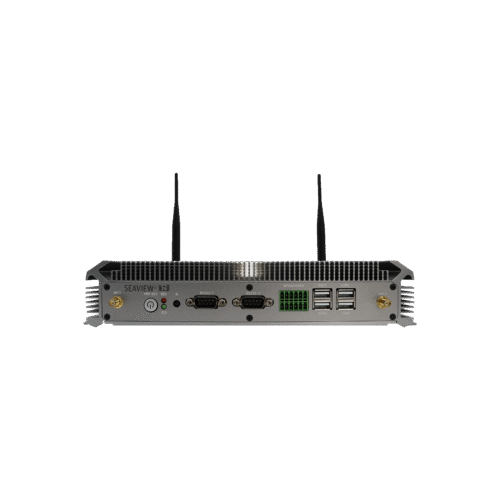
For organizations requiring a unified operating environment, exploringHarmonyOS smart gatewaysis a strategic step. HarmonyOS provides a distributed architecture that simplifies device synchronization and monitoring. A well-integrated operating system reduces the complexity of tracking metrics across thousands of distributed nodes.
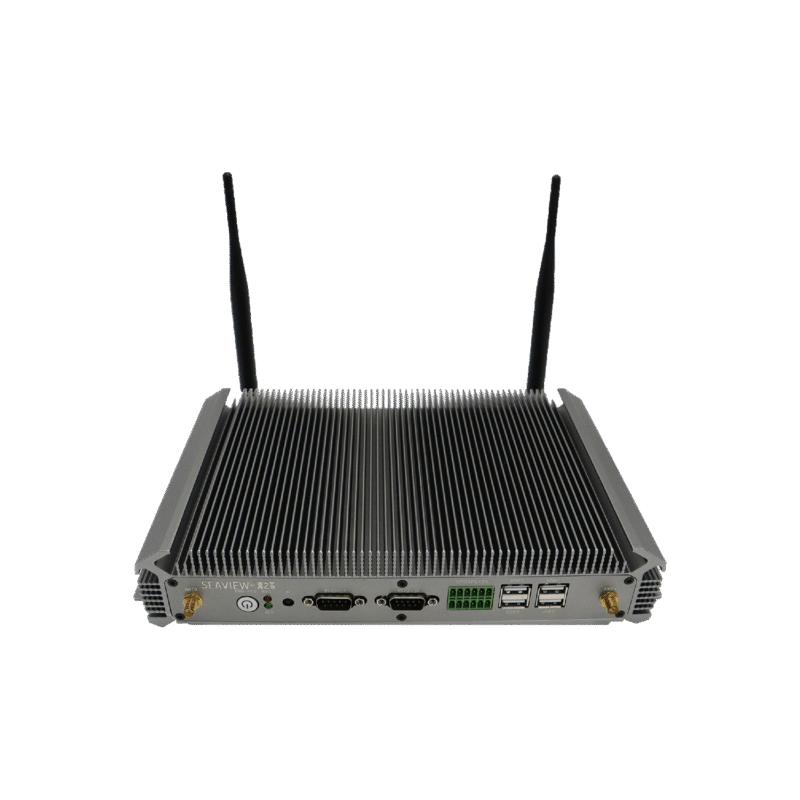
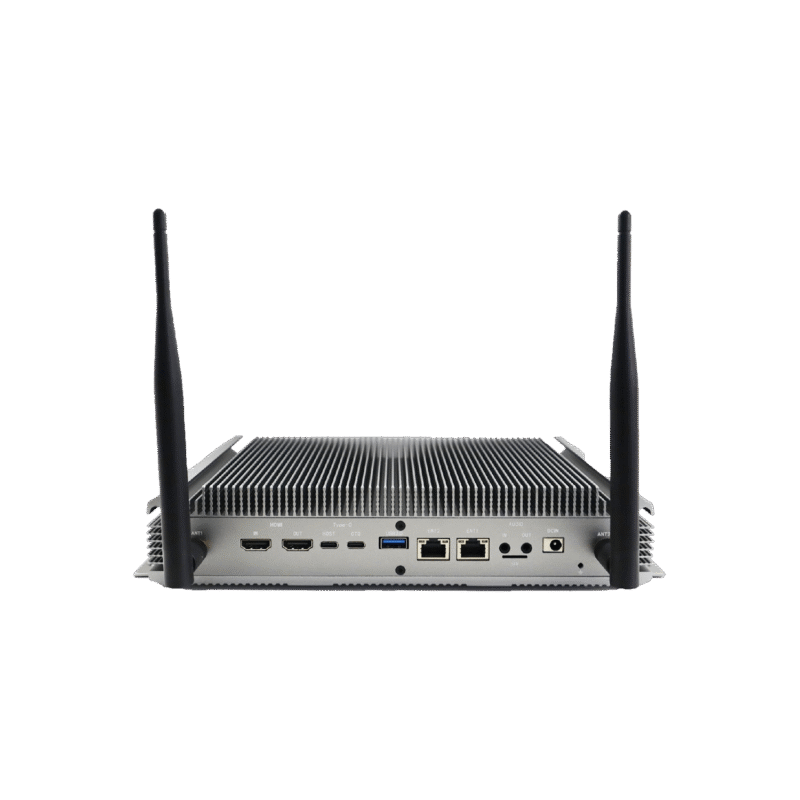
If your application requires intense local processing and rigorous health tracking, consider theHarmonyOS smart industrial controller. This device is engineered for high-reliability environments and offers extensive diagnostic interfaces. Choosing an industrial-grade controller ensures that your monitoring data is accurate and resistant to local interference.
Conclusion
The core of what are the best practices for iot gateway monitoring involves a multi-layered approach focusing on hardware health, network integrity, and behavioral security. Monitoring systems must prioritize real-time telemetry and remote diagnostic capabilities to ensure the continuous operation of complex IoT ecosystems. By implementing these technical standards, you protect your data pipeline and reduce the total cost of ownership for your infrastructure.
FAQ
1. What are the most critical metrics for IoT gateway monitoring?
The most critical metrics are CPU/Memory health, network latency, and security access logs. These three areas provide a complete picture of the device’s operational status. Focusing on these core metrics allows for early detection of over 80% of typical gateway failures.
2. How often should I collect monitoring data?
Hardware health and network heartbeats should ideally be collected every 1 to 5 minutes. Security logs and configuration changes should be reported in real-time. High-frequency monitoring provides the granularity needed to diagnose intermittent network issues that low-frequency polling might miss.
3. Can I monitor IoT gateways without a cloud connection?
Yes, using edge management software, you can monitor gateways locally. However, for remote sites, a cloud-based dashboard is much more efficient. Local monitoring is excellent for immediate onsite diagnostics, while cloud monitoring is necessary for managing large-scale distributed networks.
4. How does monitoring improve the security of an IoT gateway?
Monitoring detects unusual traffic spikes and unauthorized login attempts that indicate a breach. By observing behavioral anomalies, you can isolate a device before an attacker gains full control. Proactive security monitoring is the most effective way to comply with international IoT safety standards.
5. What is the role of HarmonyOS in gateway monitoring?
HarmonyOS uses a distributed soft bus technology that allows for easier data sharing and device status tracking. It simplifies the integration of monitoring tools across different hardware platforms. Selecting HarmonyOS-based hardware reduces the engineering time required to build custom monitoring dashboards.
Reference Sources
NIST SP 800-213 – IoT Device Cybersecurity Guidance
IEEE 2413-2019 – Standard for an Architectural Framework for IoT
Cloud Security Alliance (CSA) – IoT Security Controls Framework